
Workflow assessment
Current steps, volumes, exceptions and the decisions that should remain human.
Start with the process, not the buzzword. We connect systems and build evaluated automations with appropriate approvals, failure handling and visibility into what happened.
Workflow analysis · AI & integration · Technical review
The baseline is agreed first, so the result is measured against it.
The starting point
Connect your tools. Automate the right work. Keep control.
Who this is for: Teams repeating data entry, reconciling systems by hand or losing time on avoidable operational handoffs.
The TechGy Link difference
Automation works best when the process owner, engineer and reviewer understand the same task. We connect those perspectives to choose useful automation, handle exceptions and keep important decisions visible.
Workflow analysis · AI & integration · Technical review
We grow alongside our teams, not just service their accounts.

What we deliver
A defined set of deliverables, shaped around the work your business needs.
Current steps, volumes, exceptions and the decisions that should remain human.
Connections between CRM, accounting, application and reporting workflows.
Document handling, assistants and agentic workflows where the use case justifies them.
Permitted data, defined tests, access controls, audit trails and human escalation.
Usage estimates, monitoring responsibilities and maintenance ownership.
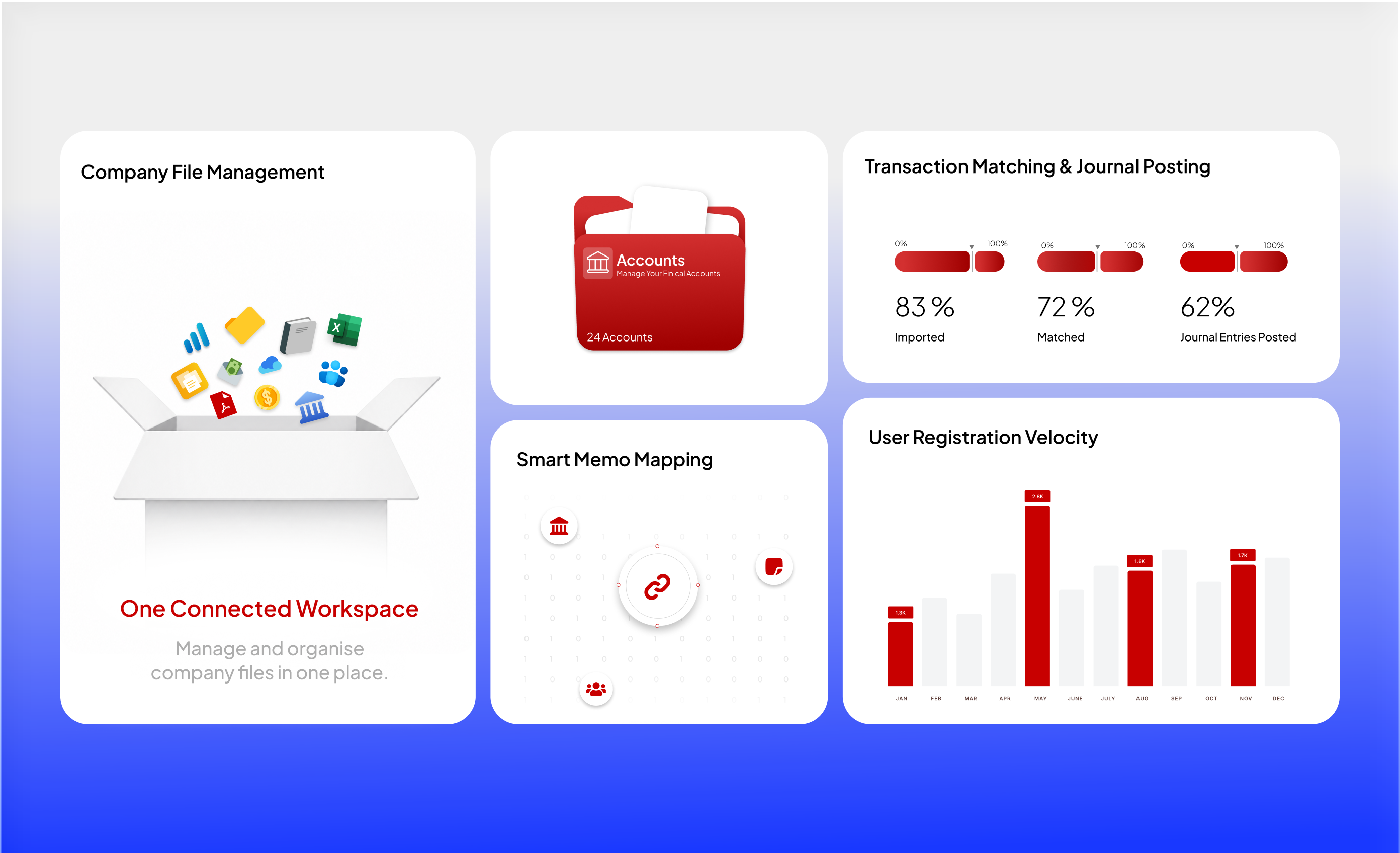
Integration project / Business systems / Accounting integration
A desktop integration connecting statement ingestion, memo-based categorisation and reviewed posting into QuickBooks Desktop.
Explore the projectOur process
Document inputs, handoffs, exceptions, volumes and the person responsible for each decision.
Choose rules, APIs or AI based on the task, system access and acceptable uncertainty.
Test permitted cases, failures, approvals and recovery before expanding the workflow.
Agree logs, monitoring, escalation, running costs and maintenance responsibilities.
A little more clarity
No. A dependable integration or rules-based workflow is often the right answer. We select the approach around the problem.
Specialist work is scoped with named advisor or consultant involvement, access requirements and evaluation criteria.
We agree a baseline and relevant measures, such as manual effort, accepted output, error handling and operating cost. We do not assume a universal multiplier.
Let’s make it happen
One bounded workflow assessment. An automation recommendation, pilot scope, evaluation criteria and operating-cost assumptions.